Shelfab
Fabricate your shelf
The elegant, automated EPUB manager for readers who value their collection. Sync your StoryGraph library locally, manage e-book metadata effortlessly, and fabricate the perfect digital shelf.
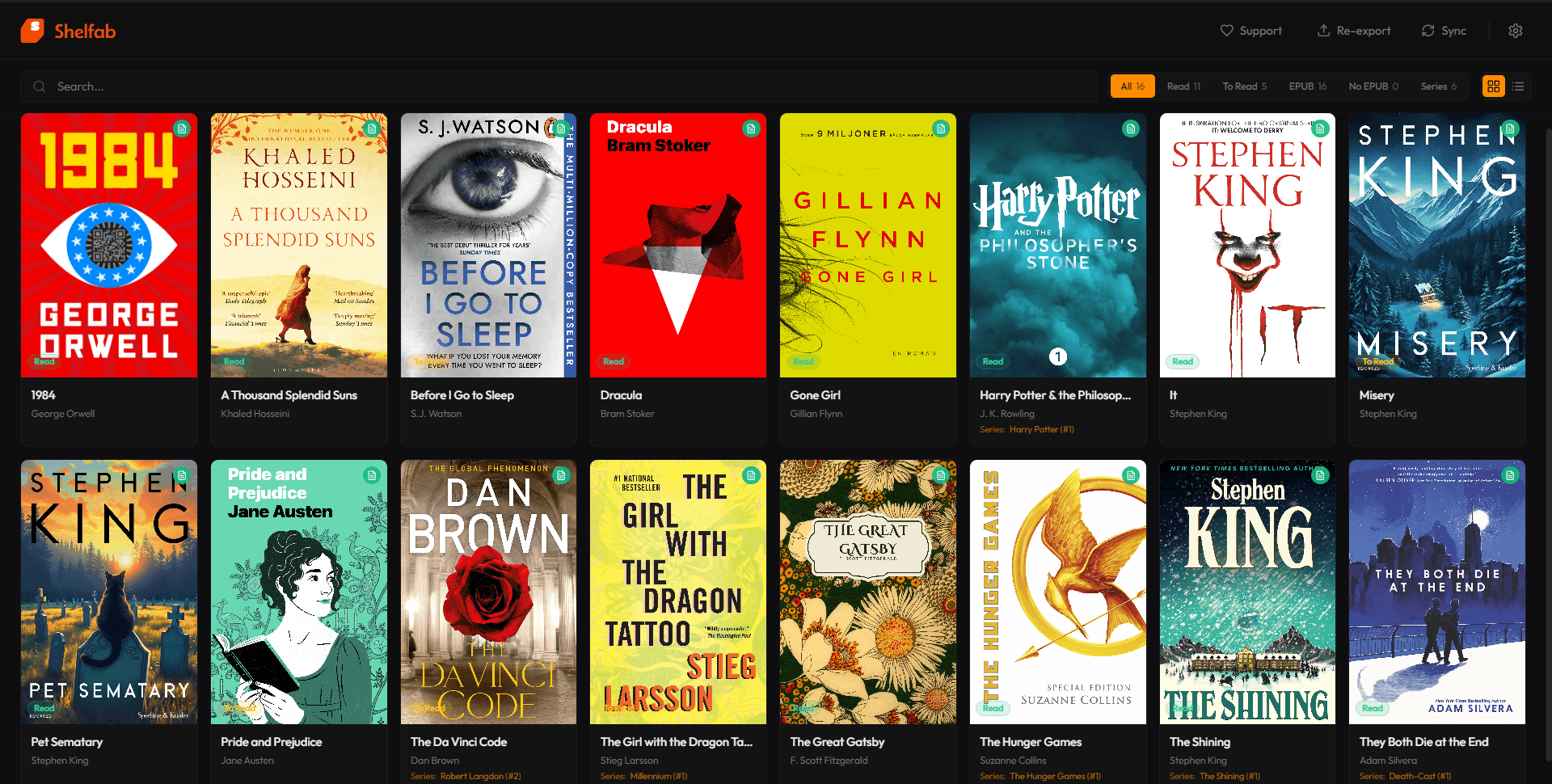

Elegant Metadata Management
Fabricate your shelf precisely. Edit titles, authors, and descriptions while Shelfab automatically updates your EPUB files internally.

Beautiful Cover Arts
Say goodbye to generic covers. Search the web for high-resolution artwork or upload your own to make every book stand out.

Seamless StoryGraph Integration
Sync your reading progress and managed library effortlessly. Take full control of your local collection with intuitive settings and a single, organized directory.

Intelligent Auto-Linking
Automatically match local EPUBs to StoryGraph entries using ISBN, or review fuzzy matches to instantly build your digital library.
Automatic Series Grouping
Keep your collections together. Shelfab automatically pulls series information and groups related books in a beautiful, animated timeline so you always know what to read next.
Elegant Metadata Management
Fabricate your shelf precisely. Edit titles, authors, and descriptions while Shelfab automatically updates your EPUB files internally.
Beautiful Cover Arts
Say goodbye to generic covers. Search the web for high-resolution artwork or upload your own to make every book stand out.
Seamless StoryGraph Integration
Sync your reading progress and managed library effortlessly. Take full control of your local collection with intuitive settings and a single, organized directory.
Intelligent Auto-Linking
Automatically match local EPUBs to StoryGraph entries using ISBN, or review fuzzy matches to instantly build your digital library.
Automatic Series Grouping
Keep your collections together. Shelfab automatically pulls series information and groups related books in a beautiful, animated timeline so you always know what to read next.
Elegant Metadata Management
Fabricate your shelf precisely. Edit titles, authors, and descriptions while Shelfab automatically updates your EPUB files internally.
Beautiful Cover Arts
Say goodbye to generic covers. Search the web for high-resolution artwork or upload your own to make every book stand out.
Seamless StoryGraph Integration
Sync your reading progress and managed library effortlessly. Take full control of your local collection with intuitive settings and a single, organized directory.
Intelligent Auto-Linking
Automatically match local EPUBs to StoryGraph entries using ISBN, or review fuzzy matches to instantly build your digital library.
Automatic Series Grouping
Keep your collections together. Shelfab automatically pulls series information and groups related books in a beautiful, animated timeline so you always know what to read next.
Built for Power Users.
Designed for Privacy.
Shelfab is local-first. Your StoryGraph username and library data never leave your machine. No analytics, no tracking, just you and your books.
Local-First
Data stays on your disk.
Metadata Sources
iTunes, StoryGraph, and more.
All Platforms Supported
Download Shelfab for your preferred operating system and start fabricating your shelf.
Why is the app unsigned?
Shelfab is built by an independent student developer. Digital code-signing certificates for Windows and Mac are prohibitively expensive for a free, open-source project. Because of this, you might see standard security warnings (like Windows SmartScreen or macOS Gatekeeper) when first installing it. I've chosen to leave it unsigned to ensure the app remains completely free and accessible for everyone.
How to Install
Windows
When the SmartScreen warning appears, click 'More Info' and then 'Run Anyway'.
macOS
If blocked by Gatekeeper, right-click (or control-click) the app and select 'Open' from the menu.
Linux
Use 'sudo apt install ./shelfab.deb' for Debian-based systems or 'sudo dnf install ./shelfab.rpm' for Red Hat.
Open Source
Shelfab is licensed under GPLv3. You can review the code, contribute features, or report issues directly on our GitHub repository.
View Repository